HR and team tasks live next to the people they are about, so a to-do does not disappear into someone’s inbox or a side chat thread — and tasks generated by other modules show up here automatically.
HR and team tasks live next to the people they are about, so a to-do does not disappear into someone’s inbox or a side chat thread.
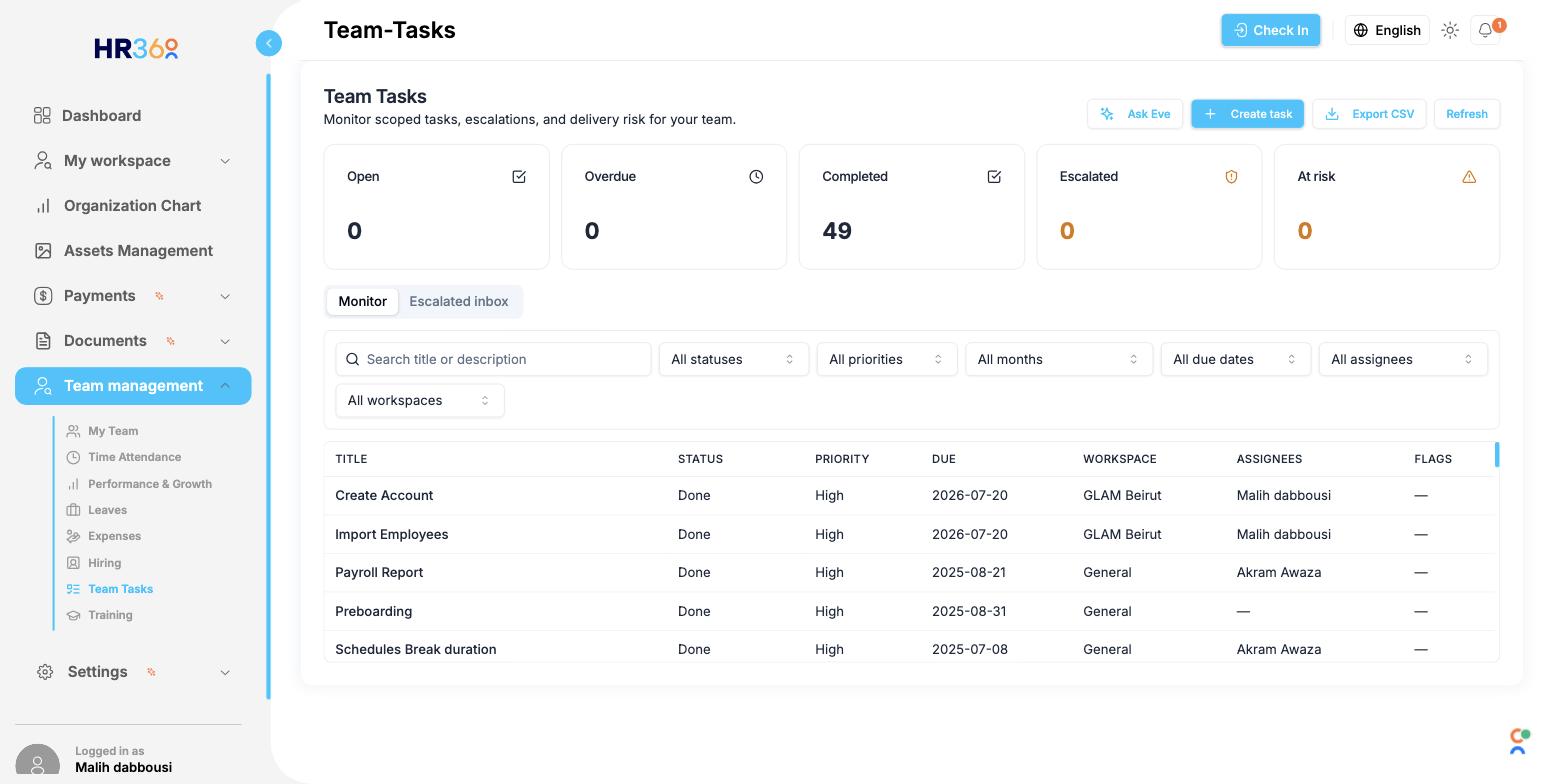
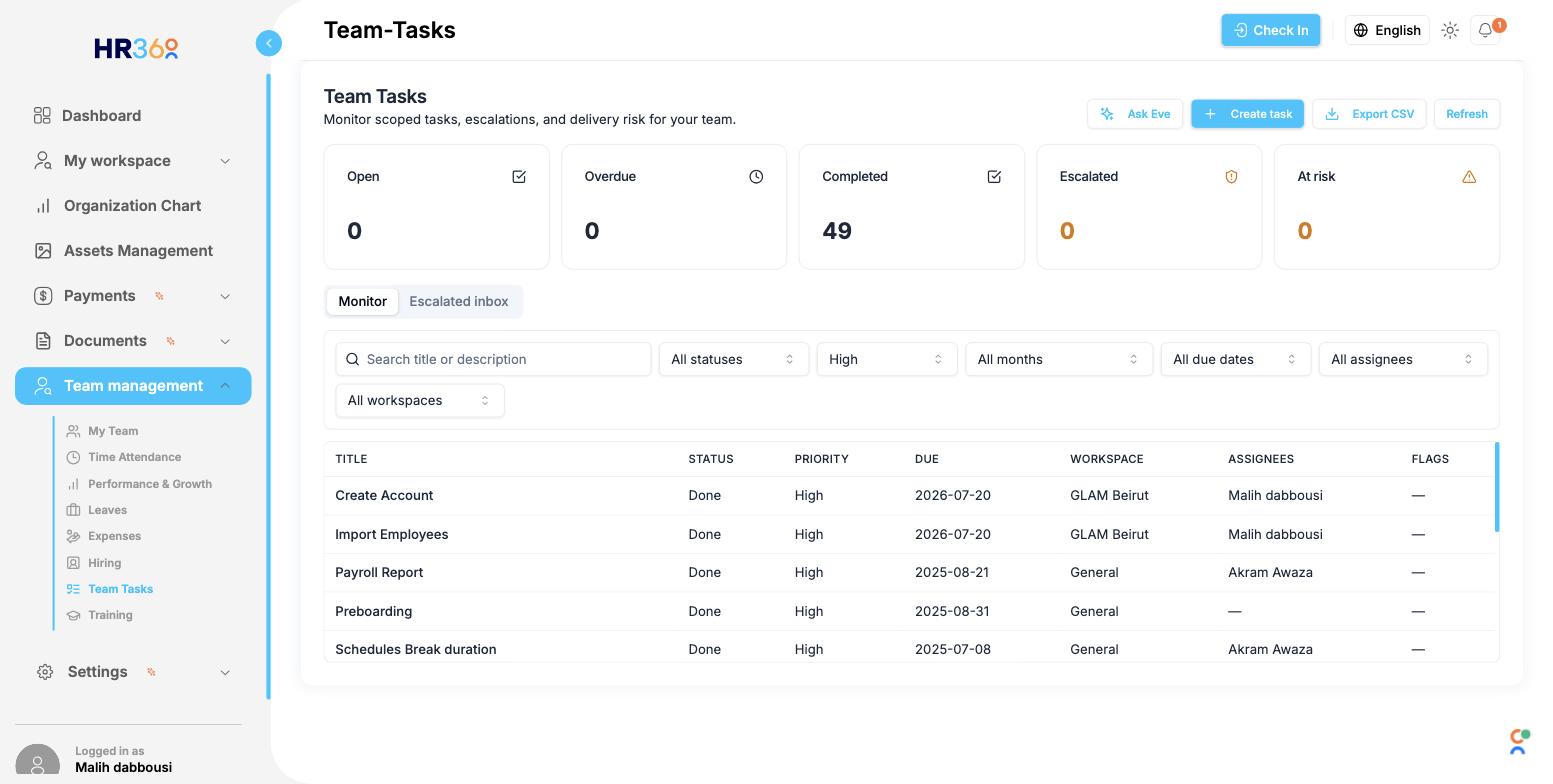
A team view shows every open task across direct reports, sorted by what is overdue first — so a manager catches a stalled onboarding step or a missed compliance deadline before it becomes a problem.
Yes — task management is baseline infrastructure in HR360, included at every tier, not a paid add-on.
Yes — assign to an individual, a team, or bulk-assign a checklist across a department.
Yes — an onboarding step, a leave approval, or a document expiry reminder all appear as ordinary tasks, in the same view as anything assigned manually.
Yes — overdue items are surfaced in the app and can trigger a notification to the assignee and their manager.
Book a 30-minute walkthrough — we will show how tasks connect to the rest of your workflow.
