If you run a business of 20 to 200 people, you probably already have HR software. It’s just spread across an inbox, a shared drive, a few spreadsheets and the memory of whoever has been there longest.
An HRIS, or human resources information system, replaces that patchwork with one place where every employee’s details, documents and history live. This guide explains what an HRIS actually does, how to tell when your business needs one, and what to look for when you choose.
What is an HRIS?
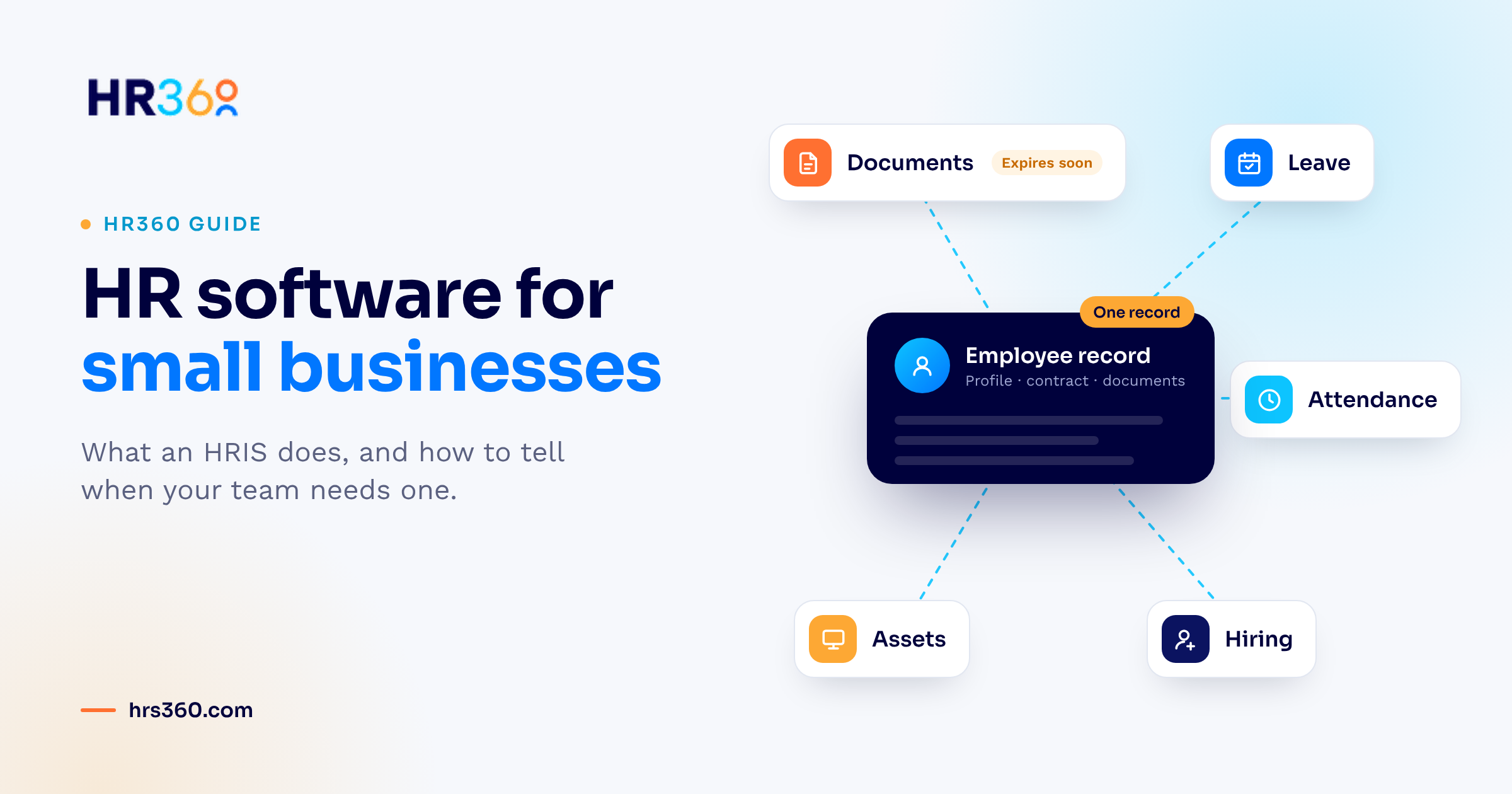
An HRIS is software that stores and manages your employee information in one system. At its core is the employee record: a single profile for each person holding their personal details, job title, manager, contract, documents and employment history.
Everything else an HRIS does builds on that record. Leave requests read from it. Attendance entries attach to it. When you hire someone, their application becomes their record. Because every task reads from the same place, a change made once shows up everywhere.
That’s the real difference between an HRIS and a folder of spreadsheets. A spreadsheet can hold the same information, but each one holds its own copy. Over time, the copies drift apart, and nobody is sure which one is right.
What an HRIS does day to day
The feature lists of HR systems can run to dozens of pages. For a small business, the value usually comes from six everyday jobs.
Employee records
Each employee has one profile: contact details, role, department, manager, start date and contract terms. HR, managers and the employee each see the parts they’re allowed to see. New starters are entered once, not three times across three tools.
Documents and expiry dates
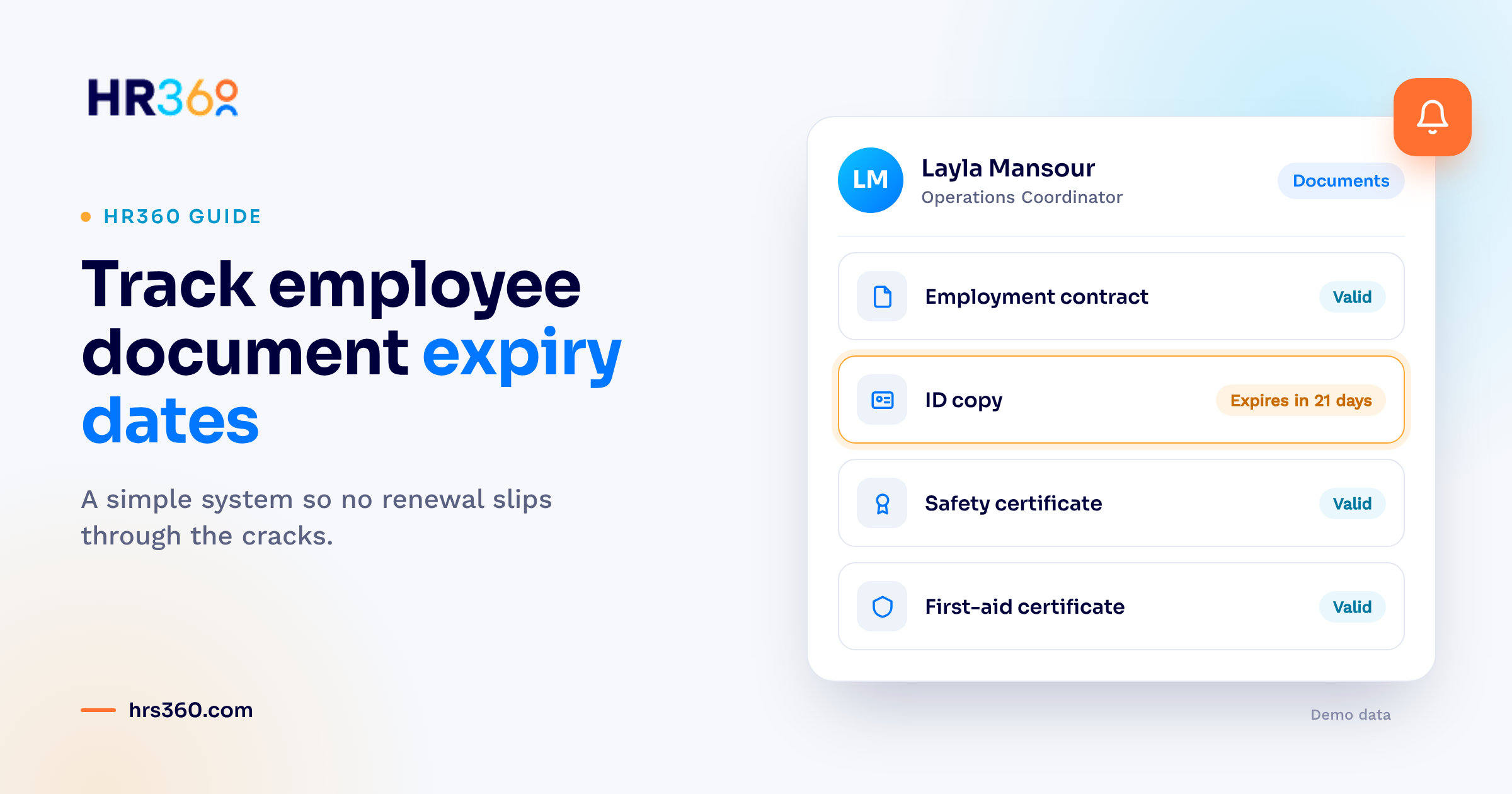
Contracts, ID copies, certificates and licences are stored on the employee’s record instead of in personal folders or email threads. A good HRIS also tracks expiry dates and flags documents before they lapse, so renewals happen on time rather than in a rush when someone asks for the document.
Leave
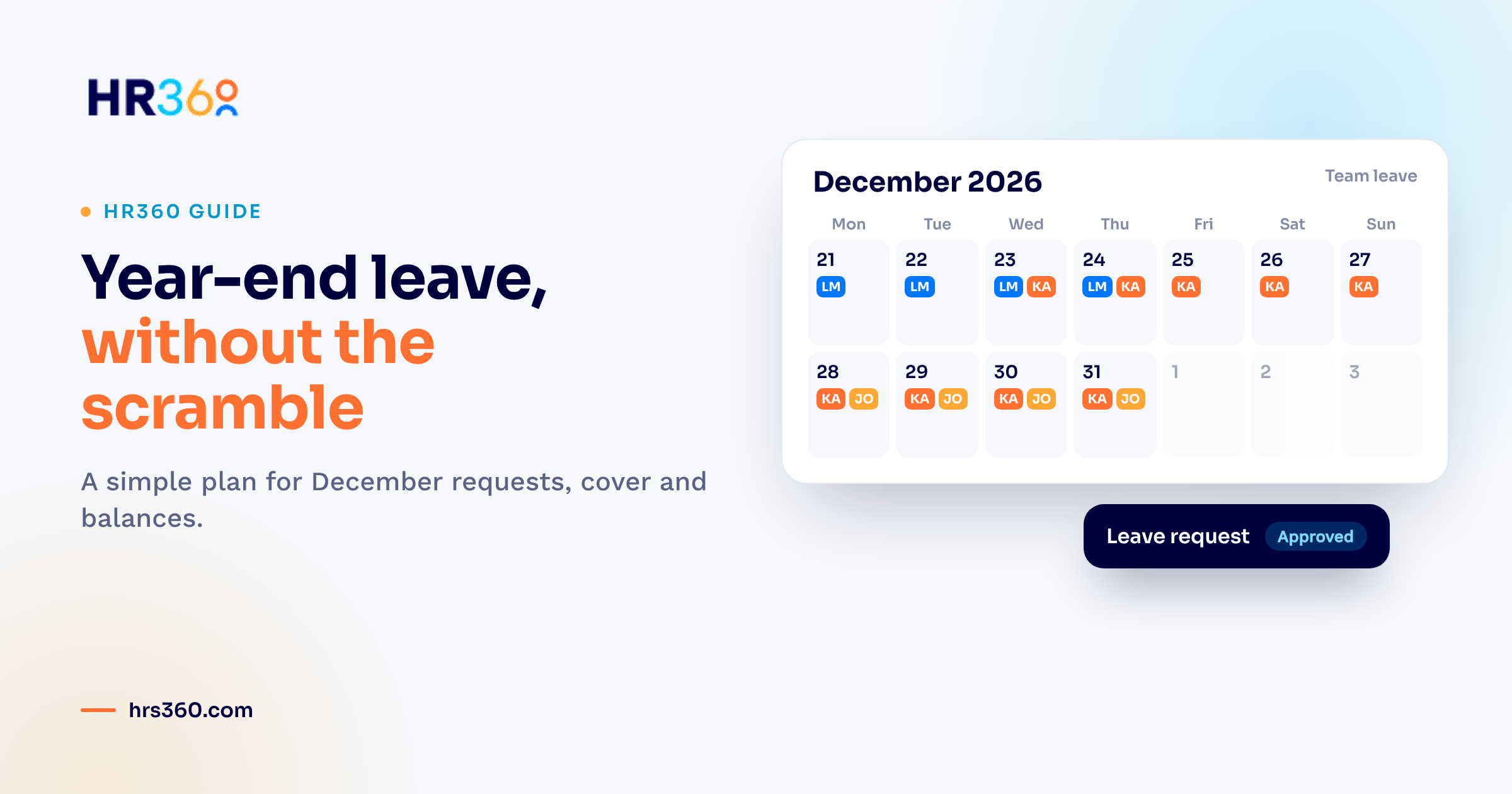
Employees request leave, managers approve it, and balances update automatically. Everyone sees the same balance, which ends the monthly back-and-forth over how many days someone has left.
Assets
Laptops, phones, uniforms, keys and tools are assigned to a person’s record. When someone leaves, you can see at a glance what needs to come back.
Attendance
Instead of paper sheets or messages in a group chat, employees check in through the system. Some tools, including HR360, can record where a check-in happened, with the employee’s consent. Attendance then sits on the same record as leave, so absences and time worked can be read together.
Hiring
An applicant tracking feature lets you post a role, collect applications, move candidates through stages and keep interview notes in one place. When you make a hire, the candidate’s details carry straight into their employee record.
HRIS, HRMS or HCM: does the label matter?
You’ll see three acronyms used almost interchangeably. Strictly speaking, an HRIS focuses on employee data and records, an HRMS (human resource management system) adds processes such as attendance and leave, and HCM (human capital management) adds broader talent work such as performance and learning.
In practice, vendors use the terms loosely, and the label tells you little. For a small business, a better question is which jobs from the list above the system handles well today, and whether they all share one employee record.
When does a small business need an HRIS?
There’s no headcount at which HR software becomes compulsory. The trigger is usually the moment your information stops staying in sync. Look for these signs:
- You regularly ask which version of a file or spreadsheet is current.
- Leave balances are disputed, or only one person can work them out.
- An expired document was discovered only when a client, auditor or official asked for it.
- New hires fill in the same details on several forms.
- When someone changes role or manager, several files have to be updated by hand.
- Only one person knows where everything is, and their holiday makes HR stall.
If two or more of these sound familiar, the time your team spends reconciling information is likely higher than the effort of moving to one system. Growth makes it worse: every new employee adds another set of files to keep in step.
What to look for in HR software for a small business
Big-company HR suites are built for big-company HR teams. A small business needs something narrower, easier to run and quick to adopt. Use this checklist when you compare options.
- One employee record underneath everything. Check that leave, documents, attendance and hiring don’t each keep their own list of people.
- Document storage with expiry tracking. It should flag expiring documents, not just store files.
- Simple leave workflows. Employees request, managers approve, balances update, with no spreadsheet in the middle.
- Clear access controls. Employees, managers and HR should each see only what they need.
- Attendance that fits how your people work. If your teams work across sites, look for check-in that records location with consent, rather than tracking people silently.
- Built-in hiring, if you hire often. A connected pipeline saves re-typing every new starter’s details.
- A live demo of every feature you care about. If a vendor can’t show it working on screen, treat it as a roadmap item, not a feature.
- Help moving your existing data. Ask how your current spreadsheets and documents get into the new system, and who does the work.
That seventh point matters more than it seems. Many HR tools list features that are still in development. Asking to see each one working is the fastest way to tell what you’d actually be using on day one.
How to move from spreadsheets without disruption
Switching to an HRIS doesn’t need to be a big project. Most small businesses can move in a few steps.
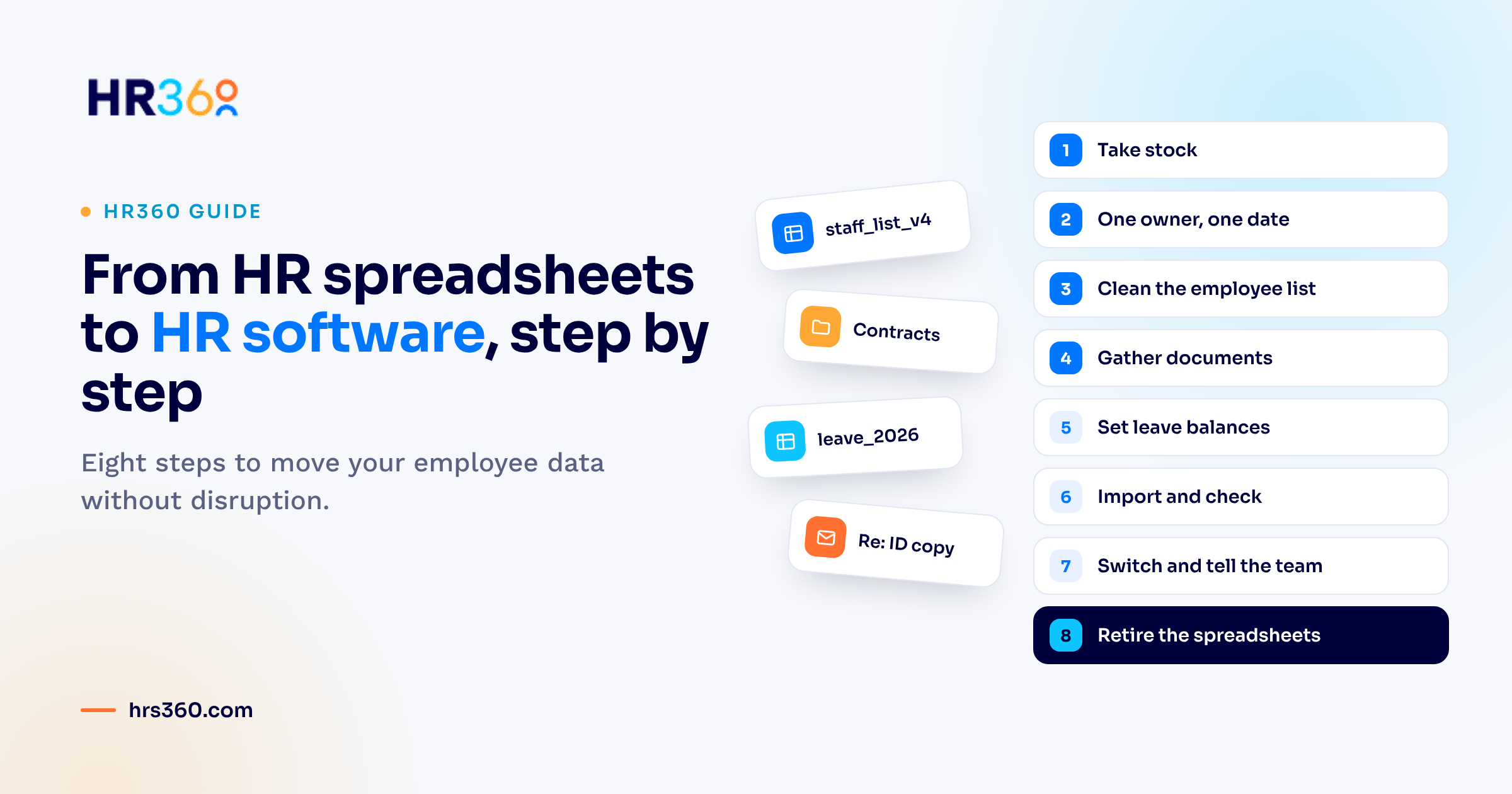
- Gather what you have. Collect your employee list, contracts, ID copies and leave balances in one place, even if it’s messy.
- Clean the employee list first. Agree on one correct record per person: name, role, manager, start date.
- Load records, then documents. Get the employee records right before attaching files to them.
- Set leave balances on a fixed date. Pick a cut-off, confirm each balance with the employee, and start fresh from there.
- Switch one process at a time. Many teams start with documents and leave, then add attendance and hiring once people are comfortable.
- Retire the old files. Once the system is in use, archive the spreadsheets so nobody keeps updating them by habit.
How HR360 approaches it
We built HR360 around one rule: the employee record comes first. Profiles, documents with expiry alerts, leave and assets all live on that record. Web check-in with location consent and a complete hiring pipeline build on top of it, so nothing keeps its own copy of your people.
We’ve worked with teams in the Levant and across Africa, and we’re now bringing HR360 to growing businesses in the GCC. Performance and training features are available in early access, and our AI assistant, EVE, is in Beta. We follow the advice in this guide ourselves: if we can’t show a feature working in a live demo, we don’t claim it.
You can see how the platform fits together on our products page, or read how it works in construction, retail, hospitality and facilities teams.
See HR360 working on your own use case
If your employee information lives in more places than you can keep in sync, we’d be glad to show you how HR360 brings it onto one record. Contact us to book a short demo.