Every year it’s the same story. In December, everyone wants time off at once. Requests arrive by email, message and quick word in the corridor. Managers approve them one at a time without seeing who else is already away. Then January arrives, and someone notices that half a team was out in the same week, or that two people disagree with HR about how many days they had left.
None of this is anyone’s fault. It’s what happens when leave is handled request by request instead of as a plan. This guide shows how a growing team can get ahead of year-end leave in a few simple steps, and keep things fair for everyone.
Why year-end leave gets messy
Year-end leave is harder than leave at any other time of year, for a few reasons:
- Demand peaks at once. Holidays, school breaks and travel plans push many requests into the same few weeks.
- Requests come through too many channels. Email, chat, paper forms and verbal agreements are hard to keep track of together.
- Approvals happen without the full picture. A manager approves one request without seeing that two colleagues are already off that week.
- Balances are unclear. If leave balances live in a spreadsheet only HR can update, employees can’t plan, and disagreements surface at the last minute.
- Unused days pile up. Employees who haven’t taken their leave all year suddenly want to use it before the year ends.
The fix isn’t a stricter policy. It’s planning earlier, and keeping every request in one place.
Step 1: Set a deadline for year-end requests
Pick a date, usually in mid-November, by which everyone should submit their year-end leave requests. Announce it clearly, and explain why: the earlier you know, the fairer you can be.
A deadline turns a stream of last-minute requests into one planning moment. You can see all the requests together, spot clashes and agree on cover before December starts.
Step 2: Share everyone’s balance before they request
People plan better when they know what they have. Before the request deadline, make sure every employee can see their current leave balance: how many days they’ve taken, how many are left, and any days that are already booked.
Sharing balances early prevents the most common year-end argument: “I thought I had more days left.” If there are questions, you deal with them in November, not on the last working day before the holidays.
Your rules on carrying unused leave into the next year depend on your contracts, your policy and local labour law. Check what applies to your business, and remind employees of the rule when you share their balance.
Step 3: Agree on minimum cover for each team
For each team or site, agree on the minimum number of people who must be working on any given day. Write it down and share it with managers. For example:
- Front desk: at least two people every working day
- Site team: at least one supervisor and three technicians
- Office: at least one person from HR or admin available
With minimum cover agreed in advance, approving or declining a request becomes a simple check, not a judgement call, and decisions feel fairer to the team.
Step 4: Look at all requests together before approving
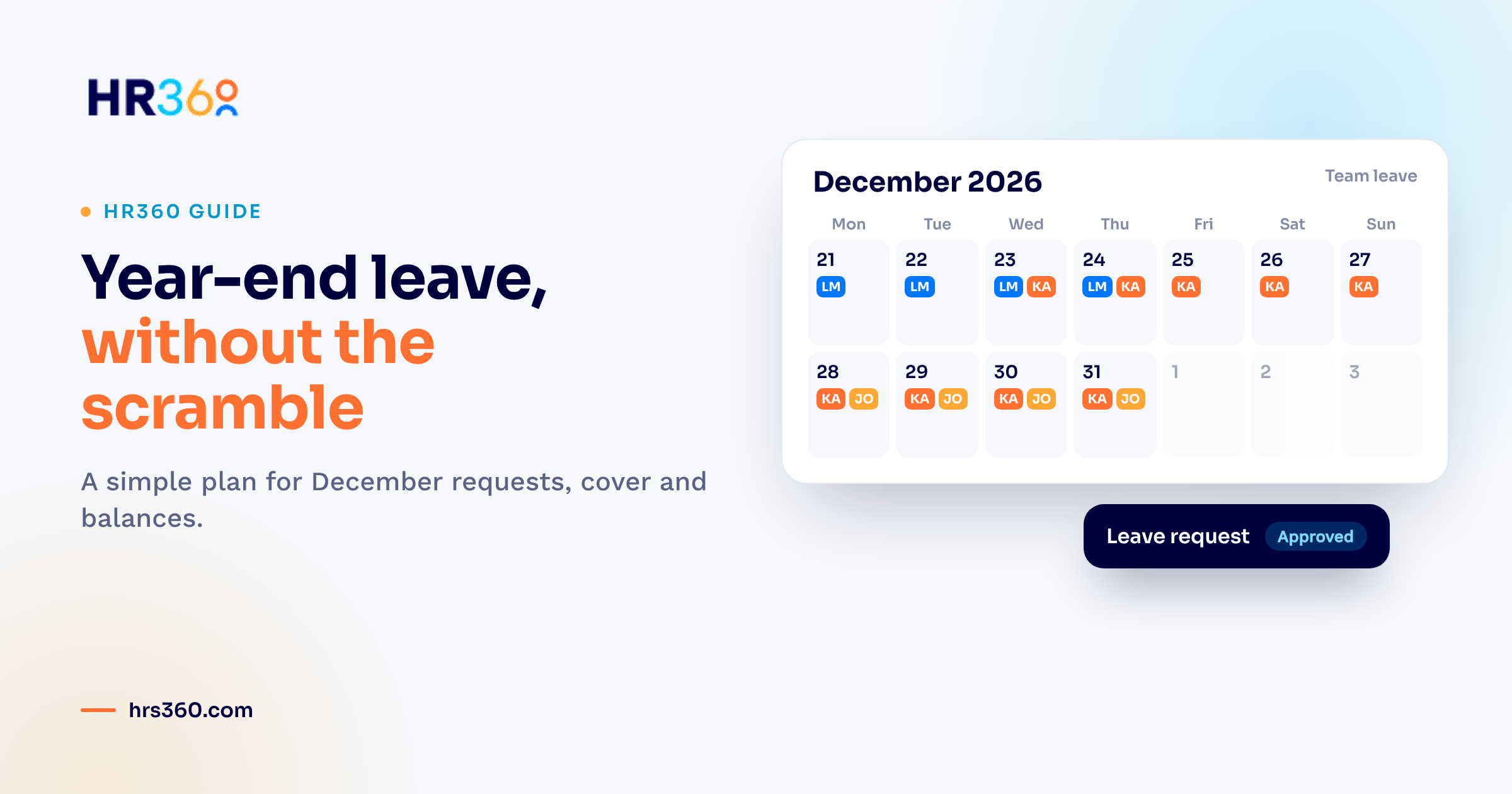
Once the request deadline passes, review every request for the period side by side, team by team. Put them on a calendar so overlaps are obvious. Then:
- Approve everything that doesn’t break minimum cover.
- Where requests clash, talk to the people involved. Often one of them is flexible by a few days.
- If you still need to choose, use a rule everyone knows in advance, such as rotating priority each year or giving priority to whoever didn’t get their first choice last year.
Reviewing requests together, rather than first come first served, is usually the single biggest improvement a team can make.
Step 5: Confirm decisions quickly and in writing
As soon as decisions are made, confirm them to each employee, including any changes you agreed. People are booking travel and making family plans, so a fast, clear answer matters more than almost anything else.
Keep every approval, decline and change in the same place as the request. If a question comes up in January, the answer is already on record.
Step 6: Plan handovers before people leave
For anyone taking a longer break, agree on a short handover: what’s in progress, who’s covering, and where the important files are. A handover note of a few lines saves a lot of phone calls to people who are supposed to be on holiday.
Step 7: Review in January
Early in January, take ten minutes to review what happened. Were there clashes you didn’t see coming? Did anyone end up with an unexpected balance? Did the request deadline work? Small adjustments now make next year easier.
A quick year-end leave checklist
| When | What to do |
|---|---|
| Early November | Announce the request deadline and share each employee’s leave balance |
| Mid-November | Agree on minimum cover for every team and site |
| Request deadline | Review all requests together on one calendar and resolve clashes |
| Late November | Confirm every decision in writing |
| December | Agree on handovers before longer breaks |
| January | Review what worked and adjust for next year |
When a spreadsheet stops working
A well-kept spreadsheet can handle leave for a very small team. As you grow, it becomes harder: only one person can update it, employees can’t see their own balance, requests still arrive by email, and approvals live in someone’s inbox. Year-end is usually when those limits show.
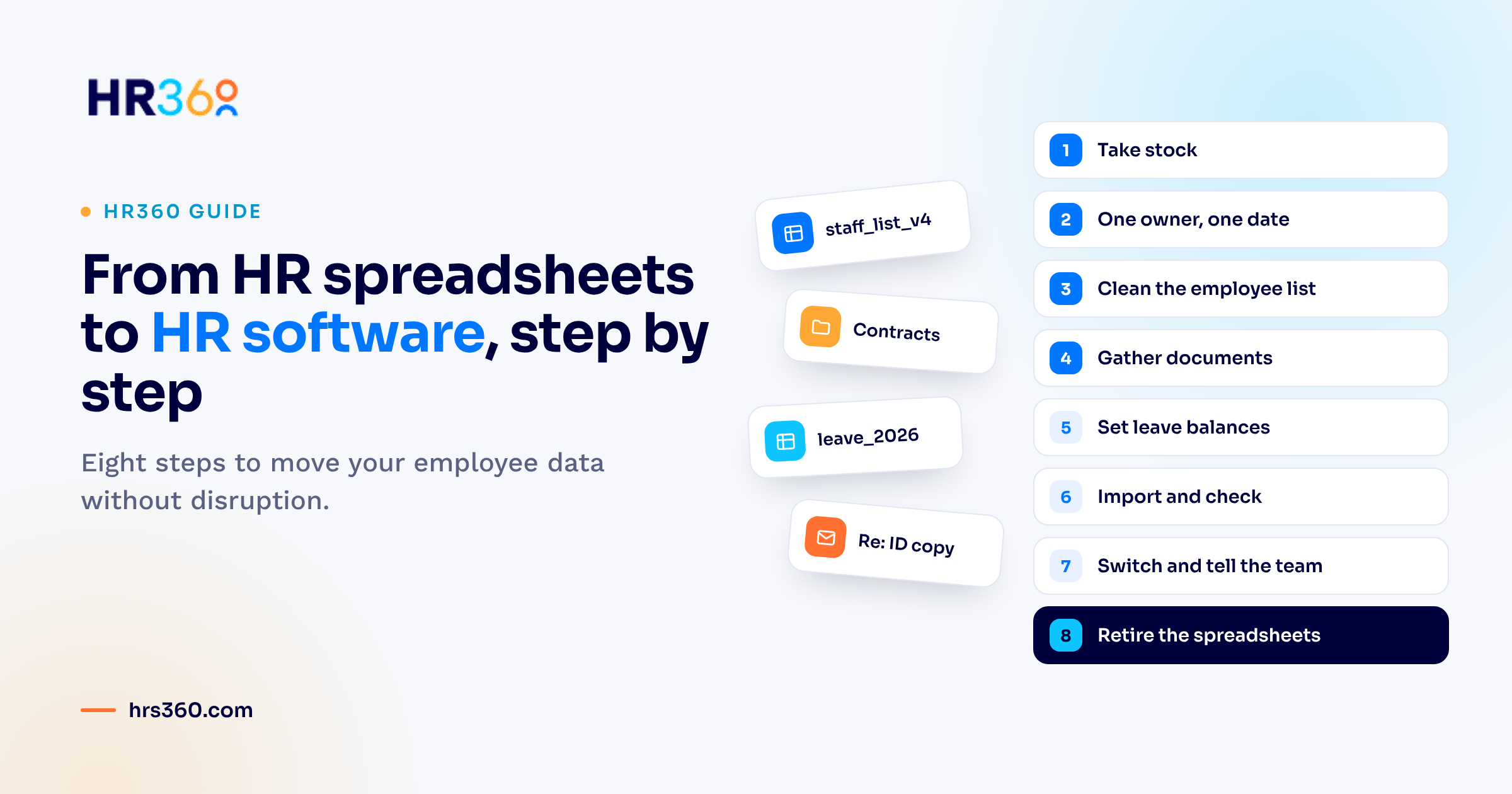
If you’re thinking about moving off spreadsheets, our guide to moving from HR spreadsheets to HR software walks through it step by step, including how to set opening leave balances.
How HR360 handles leave
In HR360, every leave request, approval and balance lives on the employee’s own record. Employees request leave and see their own balance, managers approve or decline in one place, and balances update automatically. Because leave sits on the same record as documents, assets and attendance, HR has the full picture of each person without switching between files.
You can see how leave fits alongside the rest of the platform on our products page, or read our guide to HR software for small businesses.
Frequently asked questions
When should employees submit year-end leave requests?
Set a clear deadline, usually in mid-November, so you can review all requests together before December and resolve clashes early.
How do I decide between two people who want the same days off?
First, talk to both. Often one is flexible by a day or two. If not, use a rule everyone knows in advance, such as rotating priority each year, so the decision feels fair.
How many people can be on leave at the same time?
That depends on each team. Agree on a minimum number of people who must be working each day for every team or site, and approve requests that keep you above it.
Can employees carry unused leave into the next year?
It depends on your employment contracts, your leave policy and local labour law. Check what applies to your business and make the rule clear to employees well before the year ends.
What’s the best way to track leave balances?
Keep balances where employees can see their own, and where they update automatically when leave is approved. That avoids disputes and lets people plan their time off with confidence.
Get ahead of year-end leave
If your leave requests still arrive by email and message, we’d be glad to show you how HR360 keeps requests, approvals and balances on one record for each person. Contact us to book a short demo.