
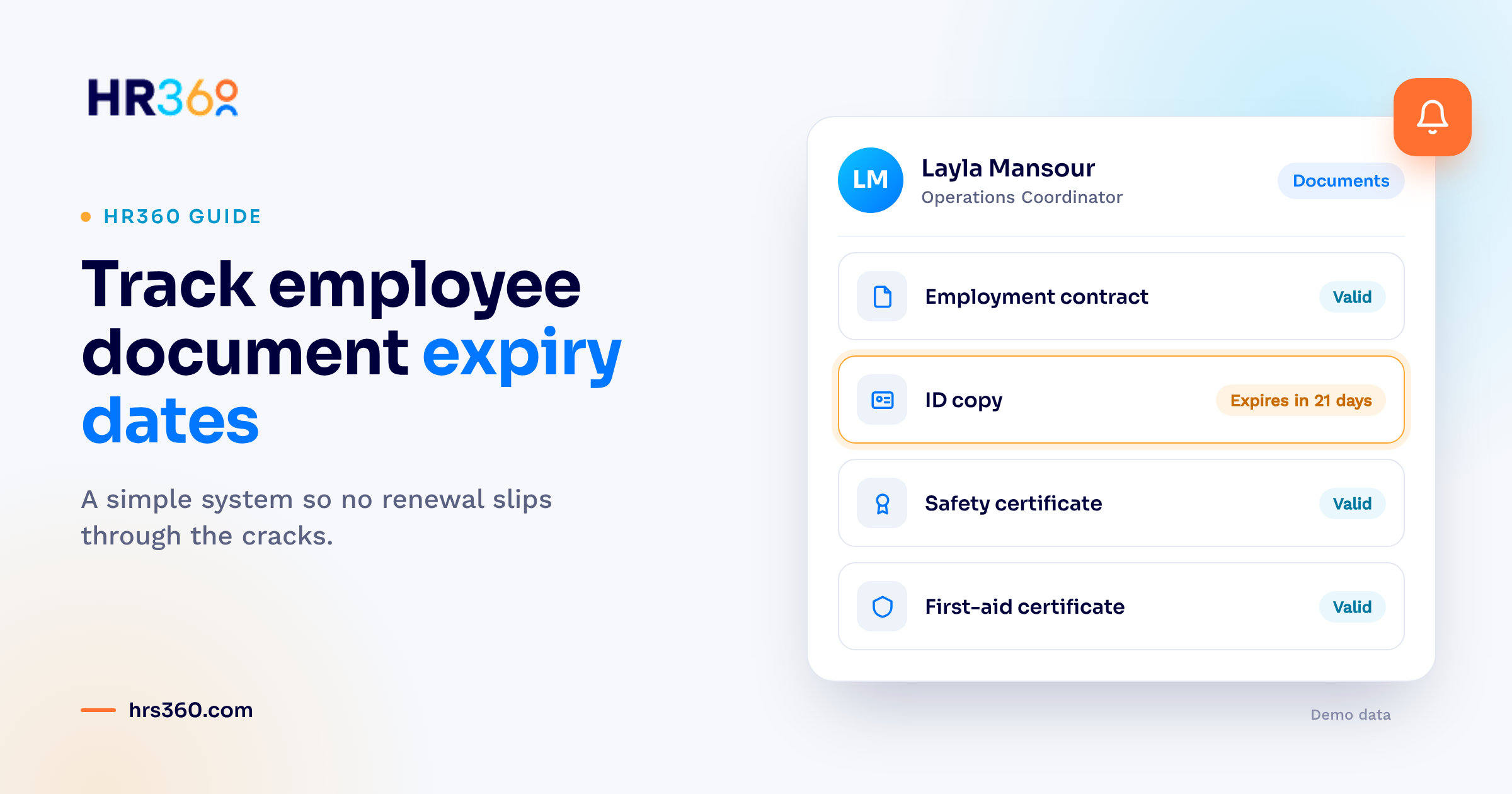
Most expired employee documents aren’t missed because nobody cares. They’re missed because the expiry date lives in a file, the file lives in a folder, and nobody opens the folder until someone asks for the document.
The fix is a simple system with four parts: one register of every document that expires, reminders that start early enough to renew in time, a named owner for every renewal, and a short monthly review. This guide walks through each step, shows how to run it in a spreadsheet, and explains when it’s time to move it into HR software.
Why document expiry dates get missed
In a growing business, employee documents usually arrive one at a time: a contract during hiring, an ID copy on the first day, a certificate after a training course. Each one gets saved wherever made sense at the time. A few months later, the same team’s documents are spread across email threads, a shared drive and a filing cabinet.
Three things then work against you:
- The date is inside the file. You can only see an expiry date by opening the document, and nobody opens documents that seem fine.
- Nobody owns the renewal. HR assumes the employee will remember, the employee assumes HR is tracking it, and the manager assumes both.
- Renewals take longer than people expect. Some documents need appointments, courses or third parties, so a reminder on the expiry date itself is already too late.
A good system answers all three: it makes dates visible, gives every renewal an owner, and warns you early.
Which employee documents expire?
Start by listing the document types your business actually keeps. Common ones with expiry or renewal dates include:
- ID copies held on file
- Fixed-term employment contracts
- Professional licences and registrations
- Driving licences, for anyone who drives for work
- Health and safety, first-aid and site safety certificates
- Training certificates that must be refreshed
- Equipment or machinery operator cards
Which documents you need, and how long you must keep them, depends on your sector and location. Check your own obligations with an adviser; this guide is about making sure the dates you already track never slip.
Step 1: Build one register of every expiring document
The register is the heart of the system. It’s one list, in one place, with one row per document per employee. Keep it simple:
| Field | Why it matters |
|---|---|
| Employee name | Who the document belongs to |
| Document type | So you can filter, for example all first-aid certificates |
| Expiry date | The date everything else runs from |
| Reminder date | Expiry date minus the lead time you need to renew |
| Renewal owner | One named person responsible for getting it renewed |
| Status | Valid, renewal started, renewed, or expired |
| Where the file is stored | So the current copy can be found in seconds |
Don’t copy ID numbers or other sensitive details into the register itself. It only needs to point to where the document is stored, and the fewer copies of personal data you keep, the better.
Fill the register by going through each employee once. It’s tedious the first time, but it only has to be done once, and you’ll almost certainly find a document that has already expired.
Step 2: Set reminders that match how long renewal takes
A single reminder on the expiry date doesn’t work. Set the reminder by how long that type of document takes to renew, then add a margin. As a starting point:
- Quick renewals (an online form or a simple reissue): a reminder around 30 days before expiry.
- Renewals that need an appointment or a course: around 60 days before.
- Renewals that depend on another organisation: around 90 days before.
Adjust these after your first few renewals. If something still arrives late, move its reminder earlier.
Step 3: Give every renewal one owner
Every row in the register needs a single named owner. For most documents that’s the employee, with HR checking progress. For documents the company arranges, such as a group safety course, it might be HR or a site manager.
When the reminder date arrives, the owner is told, the status changes to “renewal started”, and the clock is visible to everyone who needs to see it. “Someone should renew this” becomes “Karim is renewing this by the 14th”.
Step 4: Store the new copy and close the loop
A renewal isn’t finished when the new document is issued. It’s finished when the new copy is saved in the right place, the old one is archived, the expiry date in the register is updated and the status is back to “valid”.
Skipping this step is how registers drift out of date: the document was renewed, but the register still shows the old date, so the next reminder never fires.
Step 5: Review the register once a month
Put a short monthly review in the calendar. Filter the register for anything expiring in the next 90 days and anything marked “renewal started”, and ask one question about each: is it on track?
Ten minutes a month is usually enough. It’s also when you add documents for new starters and remove rows for people who have left.
Can you do this in a spreadsheet?
Yes, for a small team. A spreadsheet with the columns above works well if one person maintains it and opens it regularly. Two simple additions help:
- Calculate the days left. Add a column with the formula
=C2-TODAY(), where column C holds the expiry date, so each row shows how many days remain. - Colour the urgent rows. Use conditional formatting to turn a row amber when fewer than 60 days remain and red when the date has passed.
The limits show up as the team grows. A spreadsheet doesn’t send reminders on its own, so it only works when someone opens it. Its rows aren’t connected to the actual documents, so the register and the files drift apart. And when the person who maintains it is away, tracking stops.
If those limits sound familiar, it may be time for an HR system. Our guide to HR software for small businesses explains what an HRIS does and the signs a small business needs one.
How HR360 tracks document expiry
In HR360, each employee’s documents live on their own employee record, not in a separate folder or register. Documents nearing expiry are flagged before they lapse, so HR sees them during normal work rather than during a scramble.
Because the documents and the expiry dates sit in the same place, there’s no register to keep in sync: renew a document, upload the new copy, and the record is up to date. The same record holds the employee’s profile, leave and assets, so one search finds everything about one person.
You can see how documents fit alongside the rest of the platform on our products page, or read how it works for facilities and construction teams, where certificates and licences change hands every week.
Frequently asked questions
How far in advance should I renew employee documents?
It depends on how long renewal takes. As a starting point, set reminders around 30 days ahead for quick renewals, 60 days for anything needing an appointment or a course, and 90 days for renewals that depend on another organisation. Adjust after your first few renewals.
Who should be responsible for renewing an employee’s documents?
Give every document one named owner. Usually that’s the employee, with HR tracking progress, but documents the company arranges, such as group training, may be owned by HR or a manager.
What should an employee document register include?
At minimum: the employee, the document type, the expiry date, a reminder date, the renewal owner, a status and where the file is stored. Avoid copying ID numbers or other sensitive details into the register itself.
Can I track document expiry dates in Excel or Google Sheets?
Yes. Add a “days left” column using the TODAY() function and conditional formatting to highlight rows that are close to expiry. It works well for small teams, but it won’t send reminders on its own and depends on someone opening it regularly.
What happens if an employee document expires?
The consequences depend on the document and your sector. At minimum, renew it as quickly as possible, record the new expiry date, and check why the reminder didn’t work so it doesn’t happen again.
See document expiry tracking in HR360
If your expiry dates still live inside files and folders, we’d be glad to show you how HR360 puts them on each employee’s record and flags them before they lapse. Contact us to book a short demo.
1 Comment
[…] and this is often the moment teams discover a document that has already expired. Our guide to tracking employee document expiry dates explains how to set reminders so it doesn’t happen […]